Easy to start personally, ready for team operations
Free for personal and non-commercial use, Pro for organizational and commercial use. Core features are available in both plans, and you can change plans based on how you use FlashDesk.
Free
Personal- Screen sharing / remote control
- SSH
- File transfer
- Recording / playback
- Chat
Pro
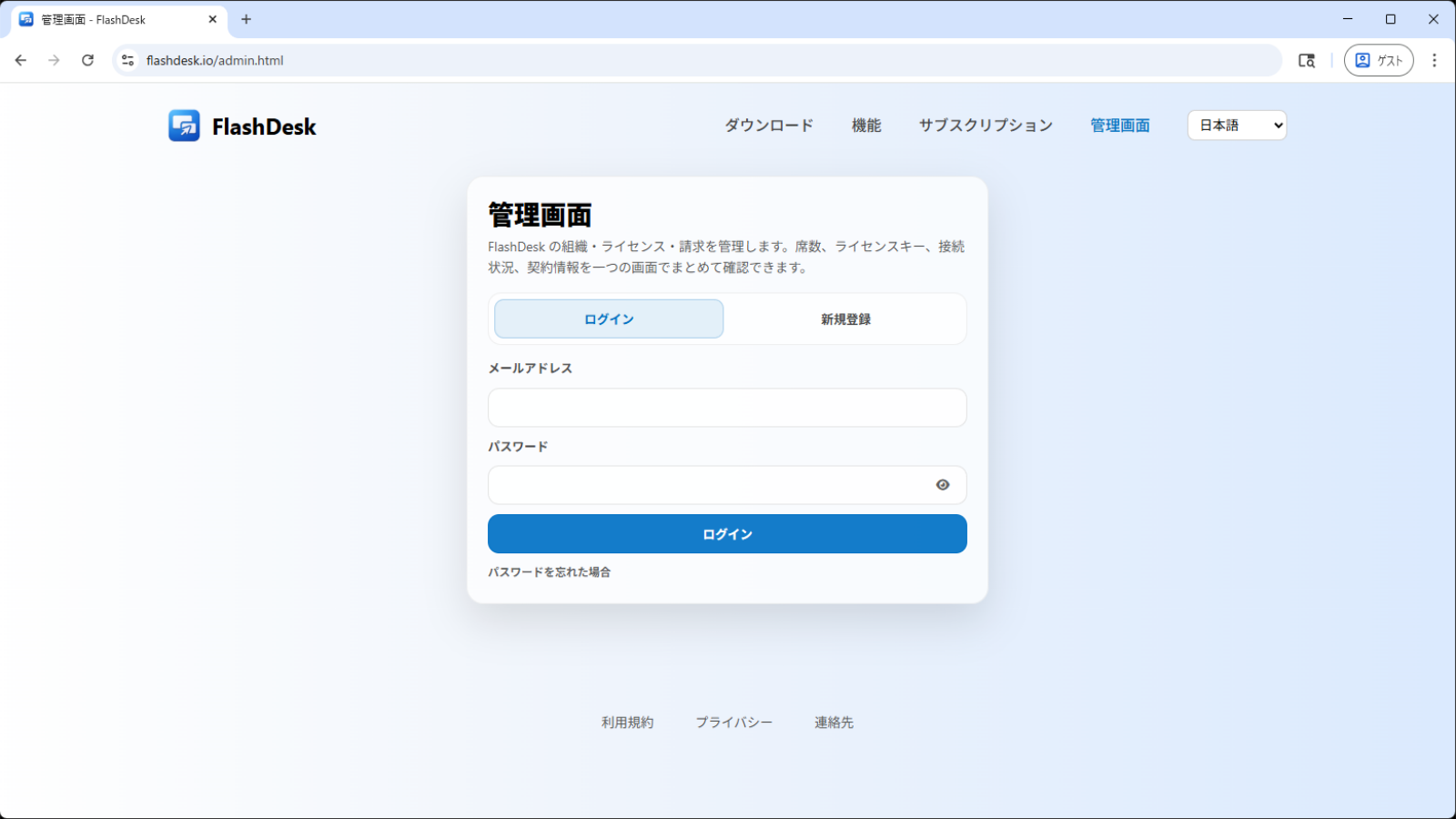
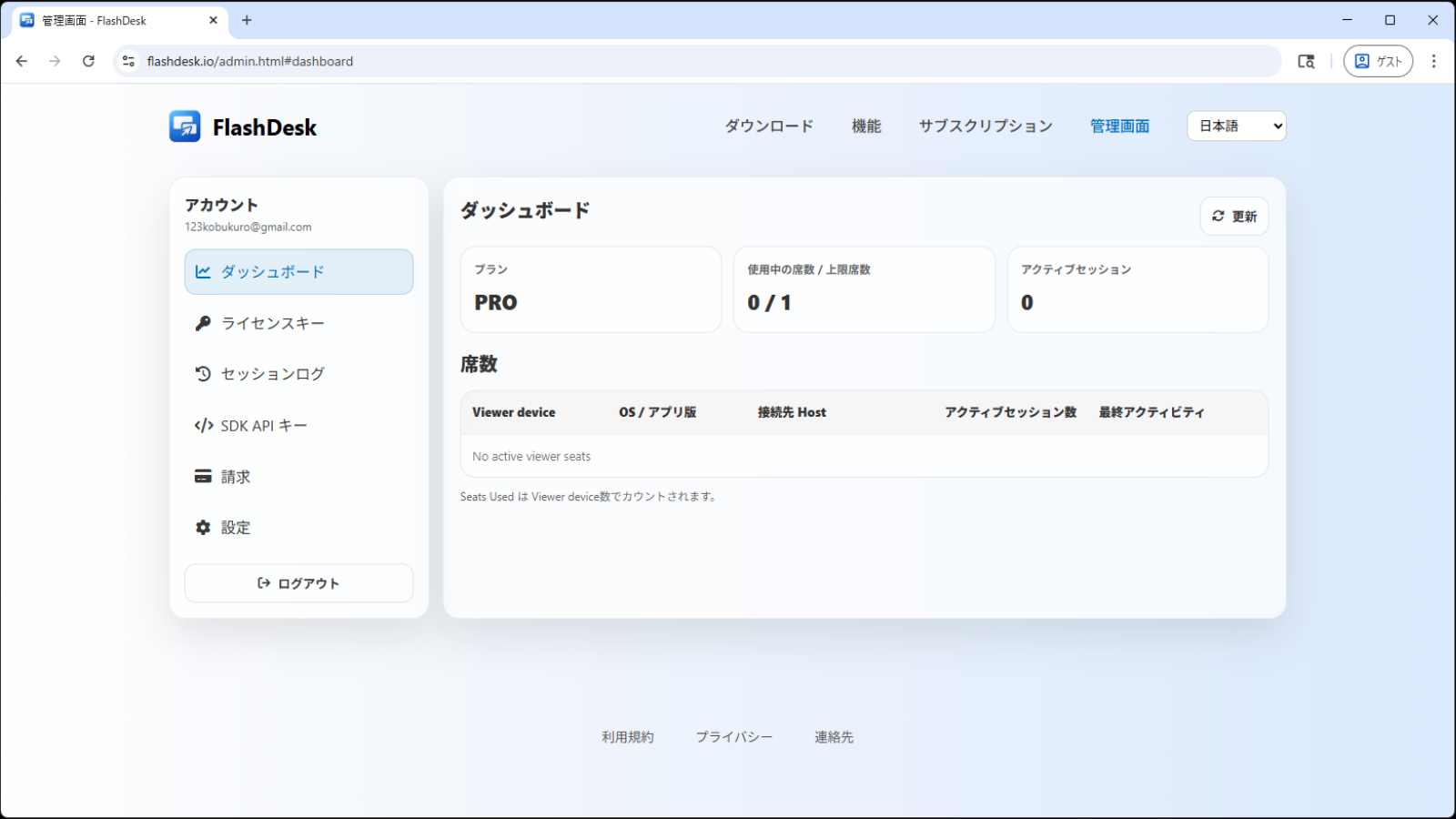
Teams & Business- Admin console
- Seat management
- License management
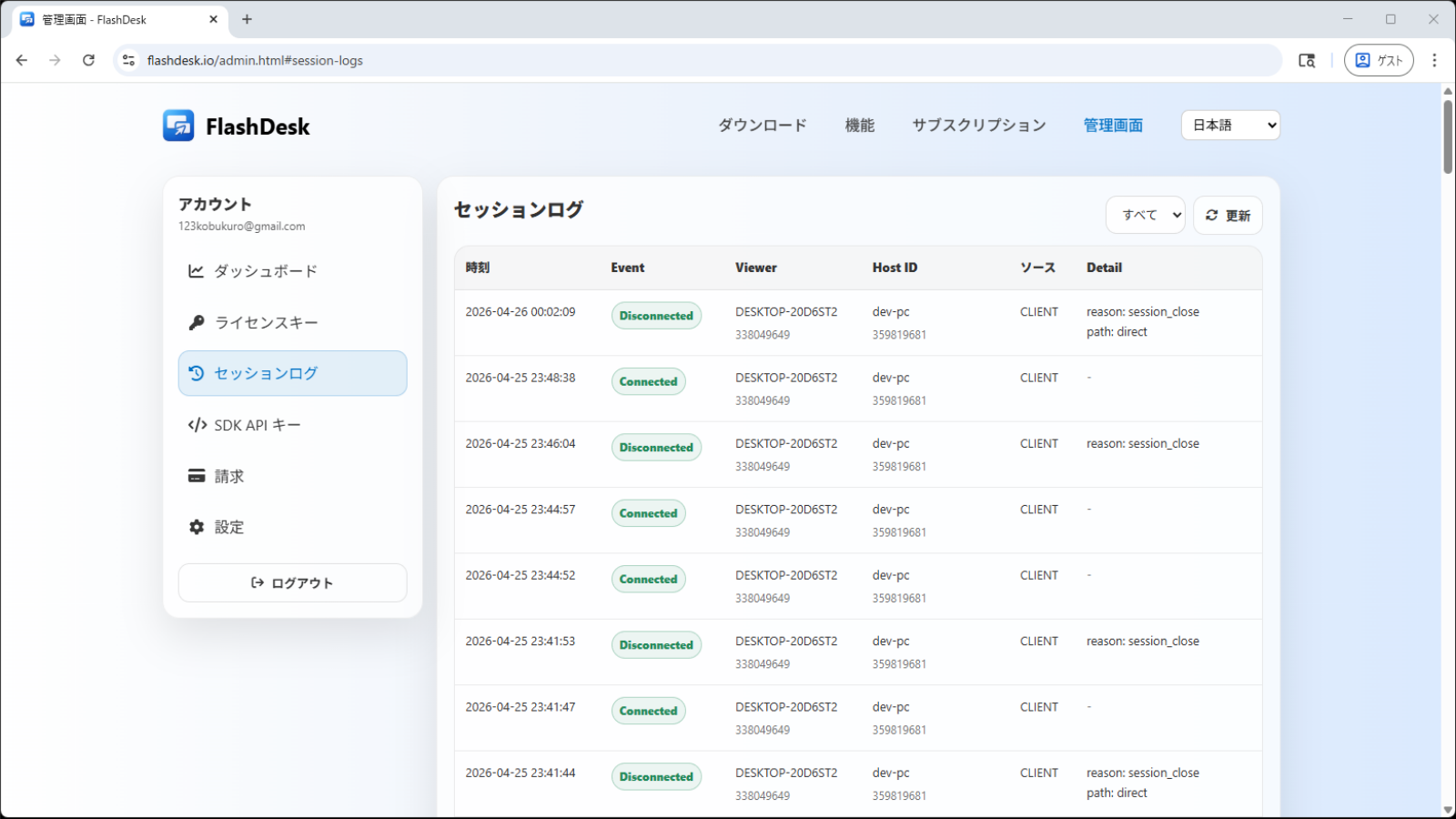
- Session logs
- Usage visibility
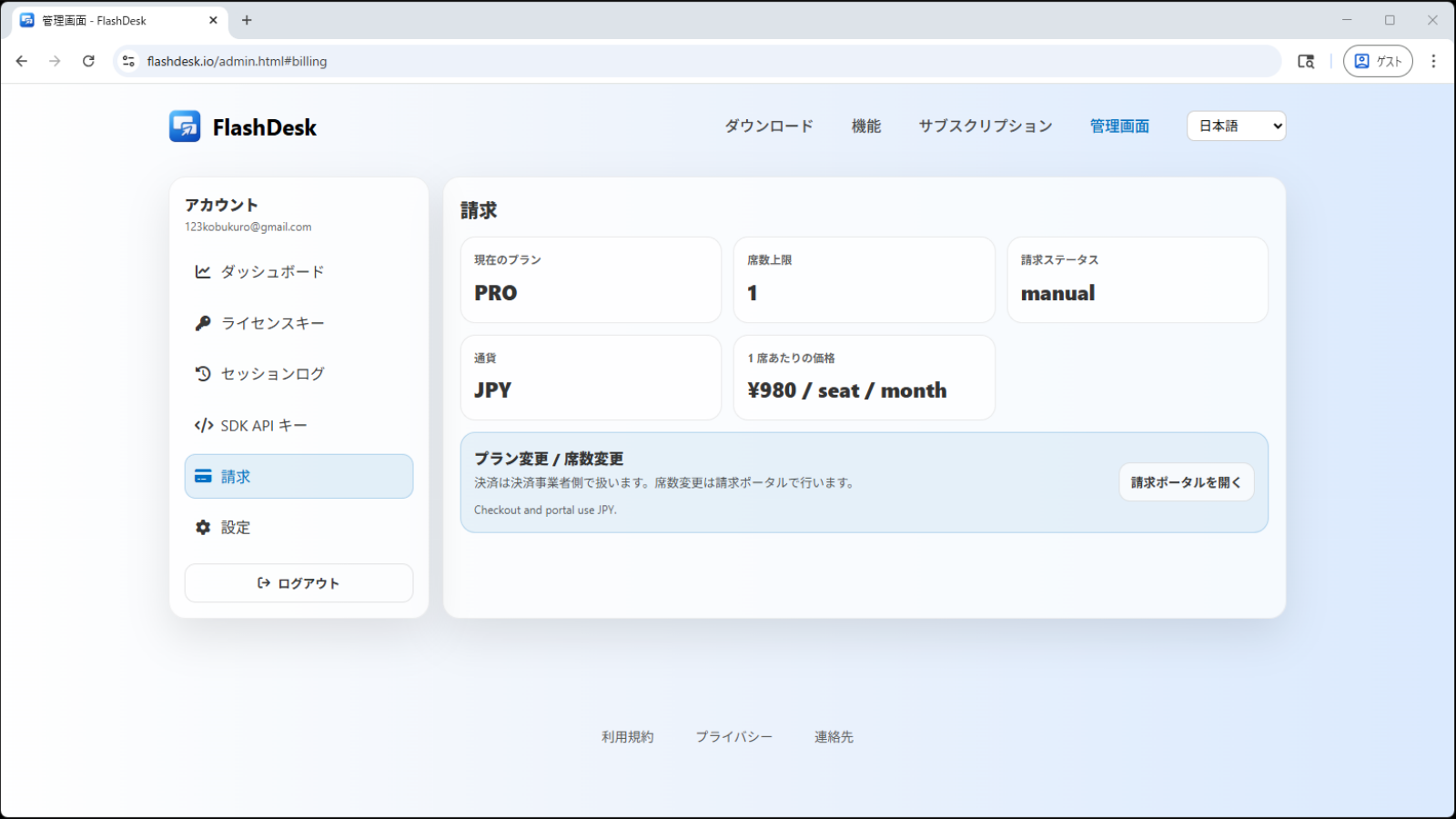
- Billing and contract management
- SDK API
Cases where Pro is required
Please use Pro if any of the following apply.
- Use it for business or commercial work
- Run it continuously with multiple members
- Manage seats and licenses centrally
- Manage contracts and billing in one place
* Free is for personal and non-commercial use.
If usage becomes long-running or traffic becomes large, data-saver mode may apply.
Pro is required for business use, including companies, organizations, and customer support.
Plan comparison
| Item | Free | Pro |
|---|---|---|
| Intended use | Personal / non-commercial | Commercial / organizational use |
| Screen sharing / remote control | ○ | ○ |
| SSH | ○ | ○ |
| File transfer | ○ | ○ |
| Recording / playback | ○ | ○ |
| Chat | ○ | ○ |
| Admin console | - | ○ |
| Seat management | - | ○ |
| License management | - | ○ |
| Session logs | - | ○ |
| Usage visibility | - | ○ |
| Billing and contract management | - | ○ |
| SDK API | - | ○ |
What are Viewer / Host?
In FlashDesk, the device you use to operate is the Viewer, and the device being operated is the Host.
For example, if you control a remote PC or server from your own computer, your local machine is the Viewer and the remote machine is the Host.
Pricing and seat usage are mainly tied to how the Viewer side is used. Understanding this first makes plan selection easier.
What is a “Seat”?
In Pro, one seat is the number of devices the same user can use as a Viewer at the same time.
For example, if you connect simultaneously from a desktop and a laptop, you need 2 seats.
On the other hand, you can launch unlimited Viewer windows within a single device. Multiple Viewer windows on the same PC do not consume additional seats.
Seat counts can be increased or decreased at any time from the Admin console.
Adjust them flexibly to match your team size and current operations.
Free vs Pro
The main workflows are available on both plans. The biggest differences are usage type (personal vs business), admin and billing features, and some usage conditions.
Free is for personal, non-commercial use and includes screen sharing, remote control, SSH, recording/playback, and file transfer.
Pro is for teams and business, with centralized management for seats, licenses, and billing from the Admin console. Pro is the better fit for ongoing business use and team operations.
Payment & Billing
Manage Pro subscriptions and billing from the Admin console.
Because seat changes and contract management are handled in one place, it is easier to keep long-term operations organized.
If you need invoicing or other arrangements, please contact us.