Features for handling remote work in one flow
It goes beyond screen sharing and remote control. SSH, recording, file transfer, and chat are brought together so work can continue in the same app after you connect.
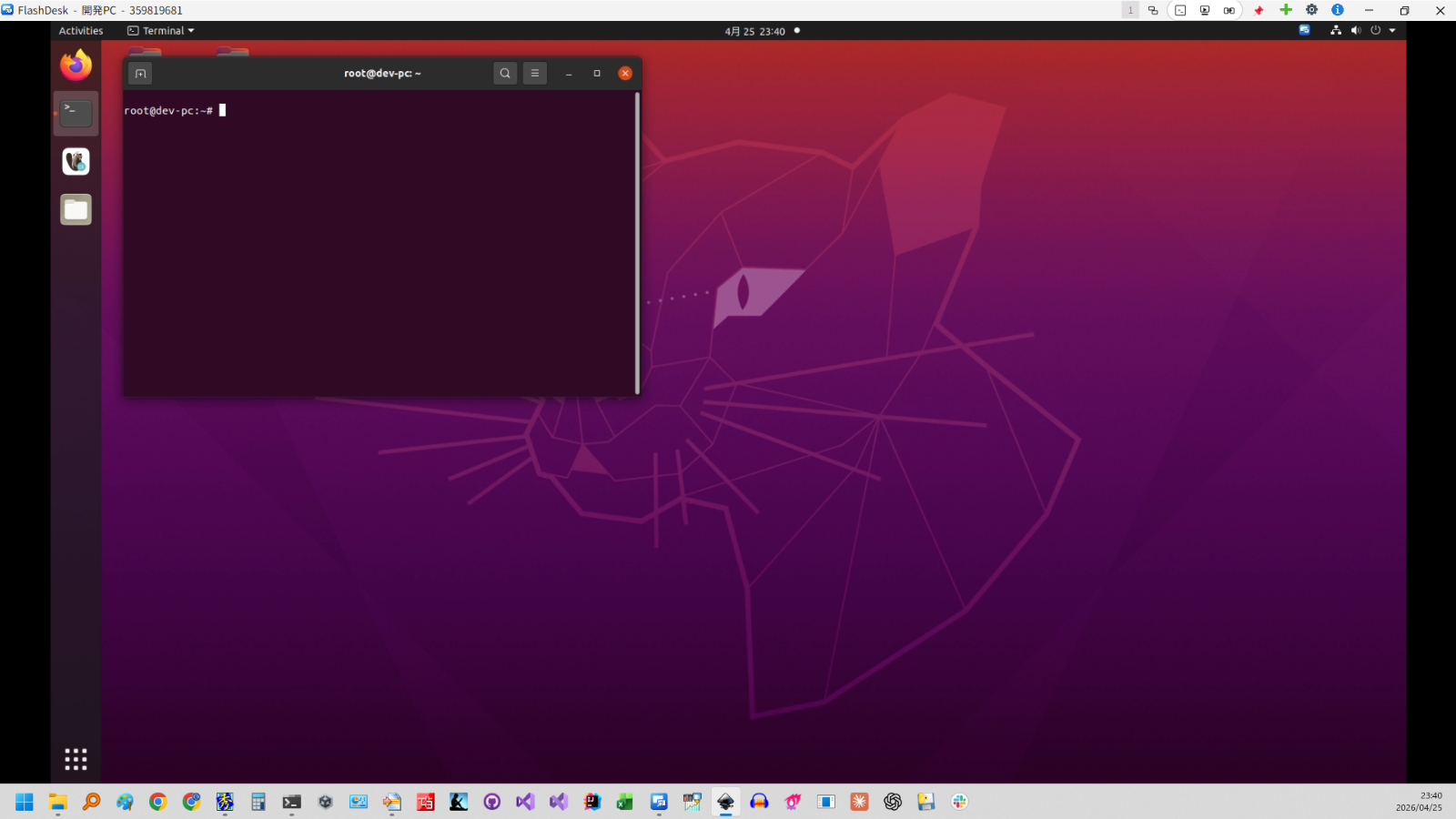
Remote control / Screen sharing
Control remote devices as if they were right in front of you.
Start a connection by entering the destination ID. On the destination side, connections can be approved manually or allowed with a preconfigured password.
Multi-monitor is supported, so you can switch between monitors even when the remote host uses multiple displays.
It fits user support, configuration changes, and routine maintenance when you want to respond quickly while seeing the remote screen.
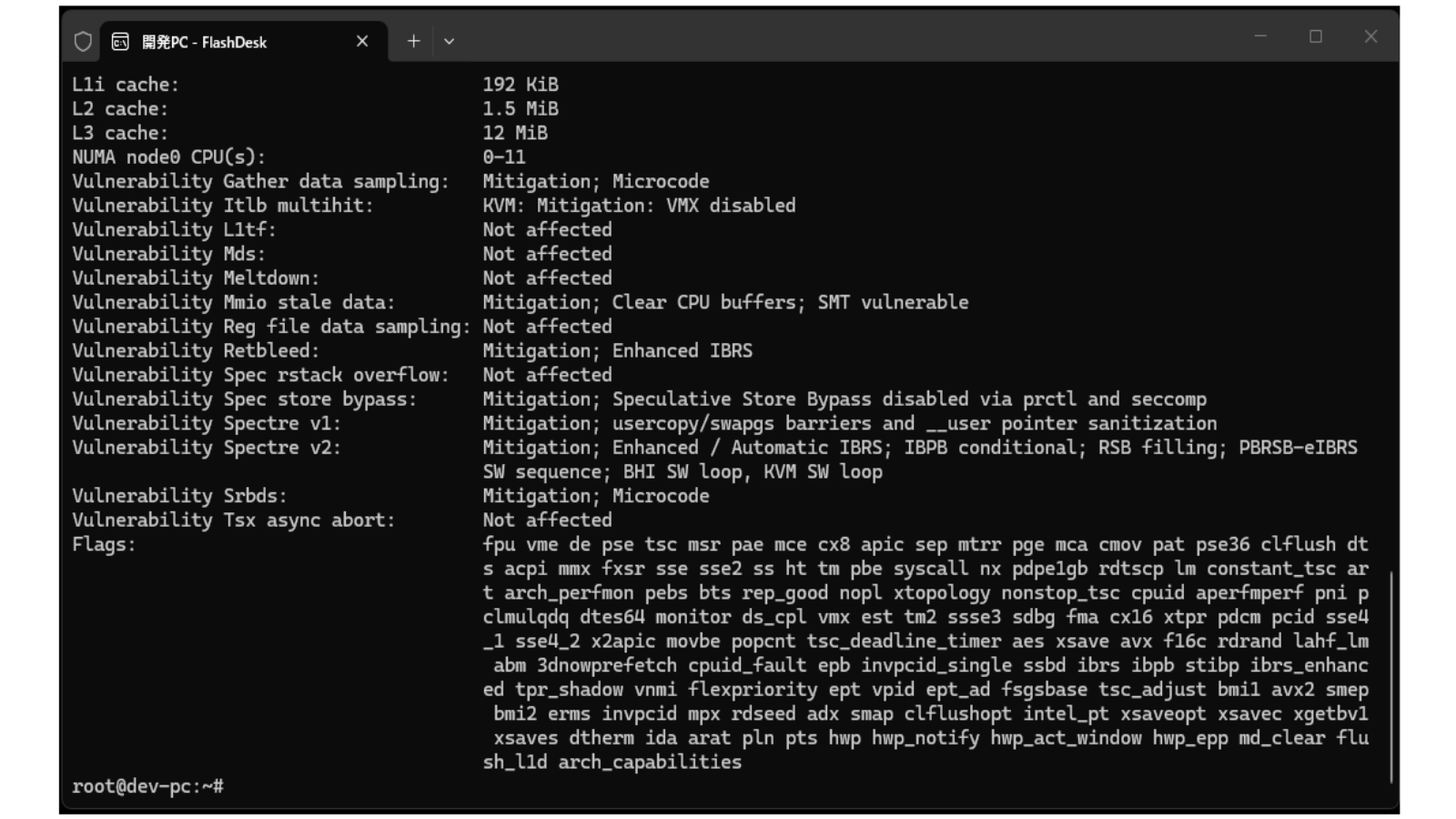
SSH (Command line)
Access remote devices through SSH for command-line work.
It is useful when you want to handle checks or updates quickly without opening a GUI.
Log checks, restarts, and configuration changes can stay inside the same operational flow.
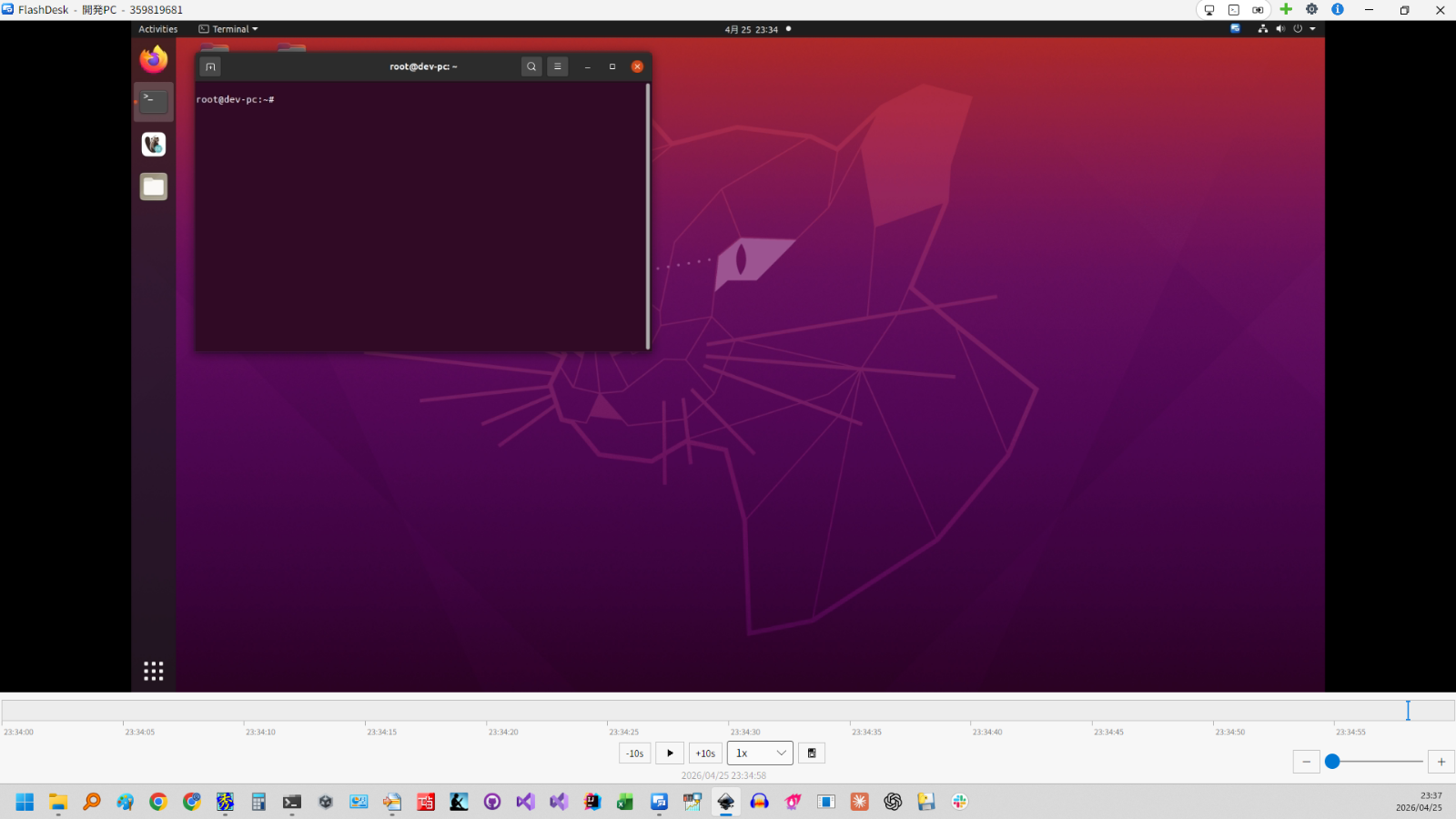
Recording / Playback
Record the screen during sessions and review it later.
This is useful for work verification, handoffs, and troubleshooting reviews.
Being able to look back after the session makes continuous operations easier to manage.
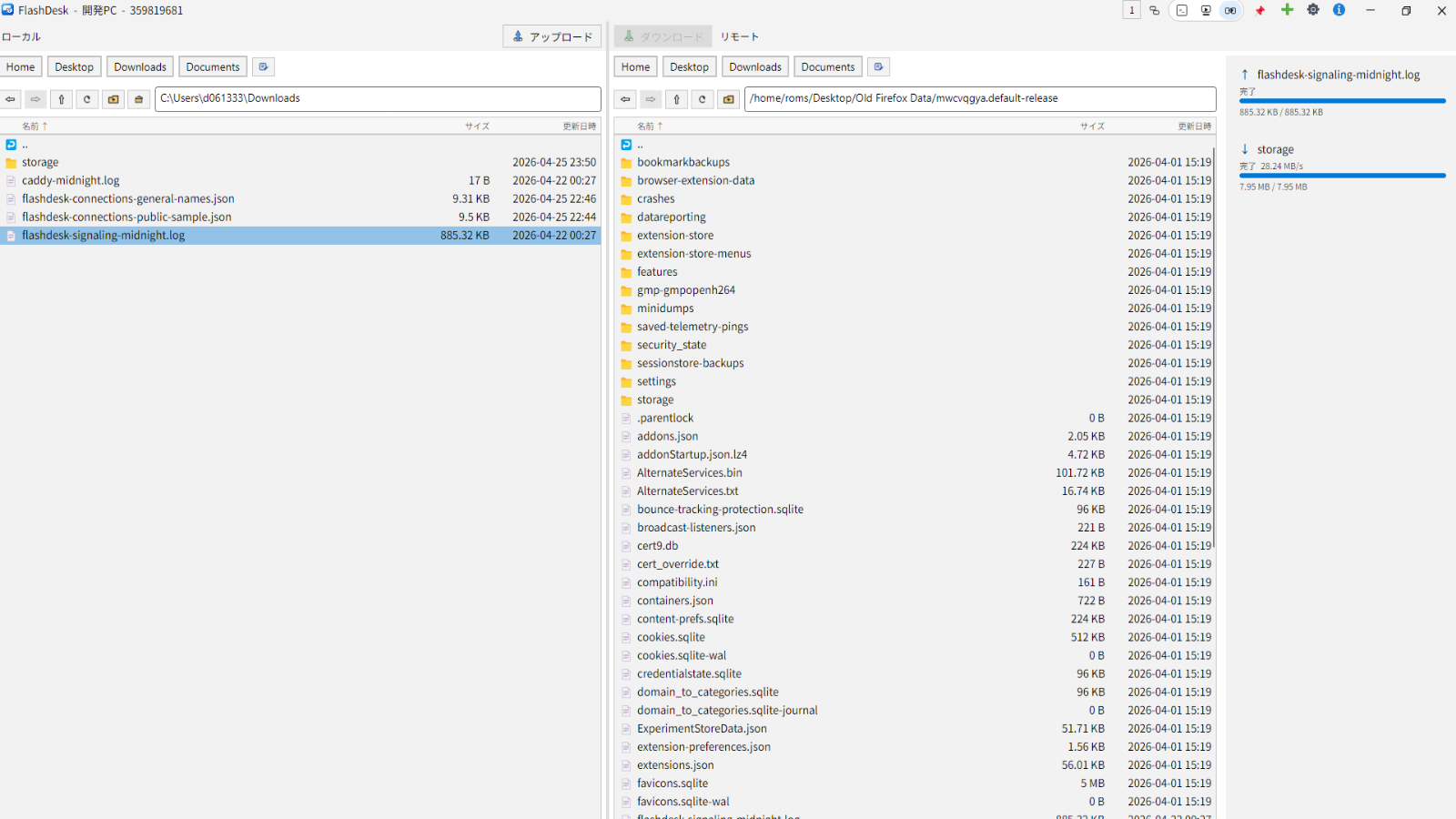
File transfer
Transfer files between local and remote devices.
Collect logs, distribute config files, and exchange documents without switching to another tool.
It is designed to cover the work that often happens before and after remote control itself.
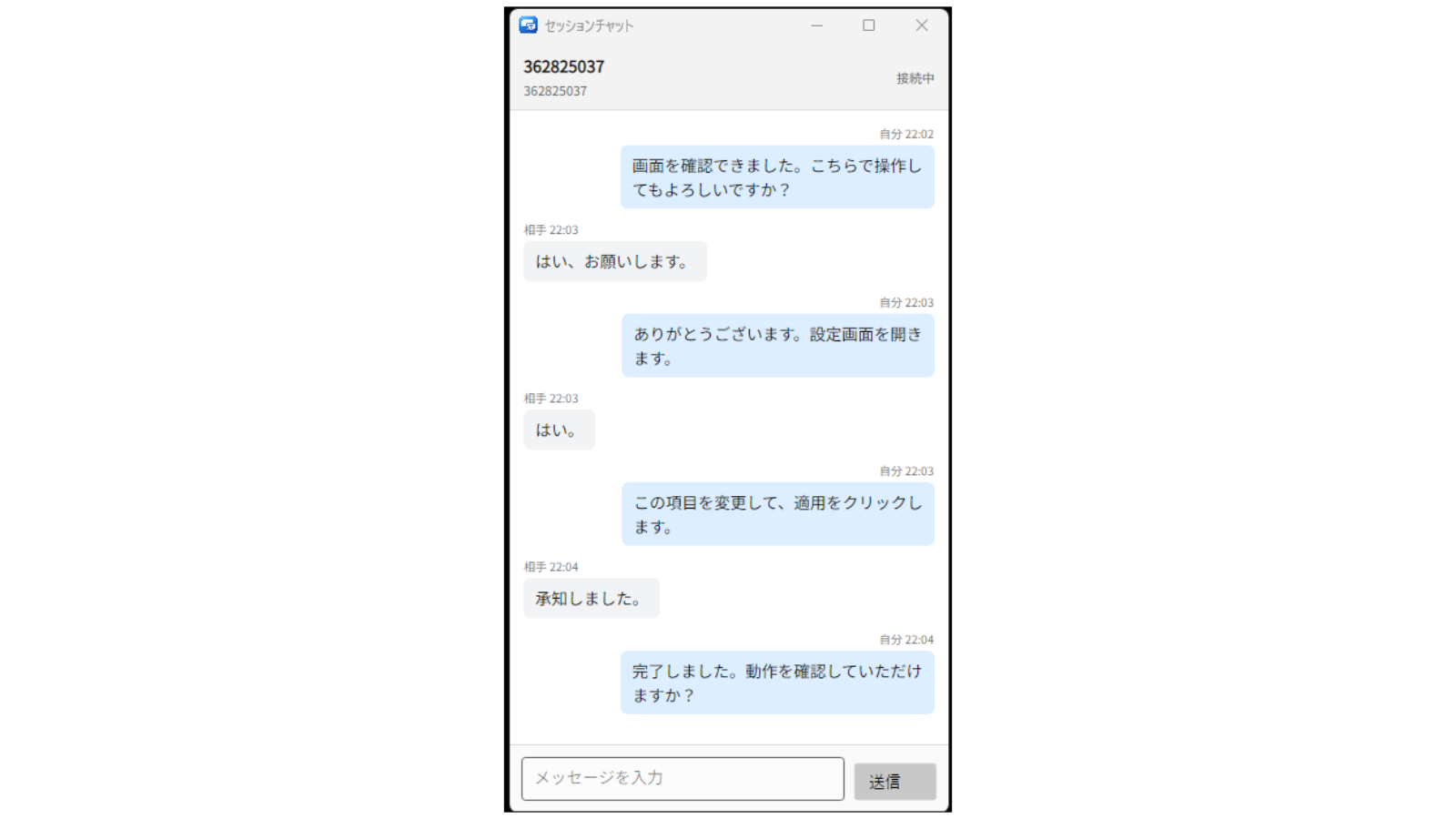
Chat
During IT support, you can chat between devices.
It is useful when you need to confirm permission before remote control, or explain the screen and guide the other person through the operation.
Security
Traffic is encrypted so data can be exchanged securely. Video and control data are exchanged between devices whenever possible, and when network conditions require routing through servers, FlashDesk is designed to handle them securely.
Connections can be managed through manual approval or passwords, and access can be restricted so only approved IDs can connect. Time-based automatic disconnect settings help prevent sessions from being left open during operation.
Connection management
The connections list supports multi-level folders. Even as the number of saved connections grows, you can organize them by site, department, or purpose and find the devices you use every day more easily. You can also export or import only the connection destinations you need, which makes cleanup and migration smoother.
Wake-on-LAN
Send a Wake-on-LAN magic packet to a connection destination and try to wake a sleeping device.
Organization management
For team use, FlashDesk also supports organization-level administration. You can review members, licenses, devices, and connection status from the admin screen in one place, which makes day-to-day operations and administrative work easier.
SDK API
Use the SDK API to embed remote access into your internal tools, customer portals, and support systems.